Let's runnnnnnn....go!!Finally got it!!!
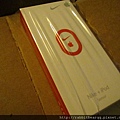
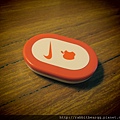
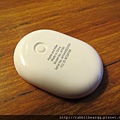
Yesterday I tried the sensor I just got!!!
1. Go to ipod "settings"
2. Scroll down, and you will see Nike + iPod
3. Set your weight...& Click link sensor
Originally,I thought it is not that helpful.
After I figured out how to set my goal and not to delete my record
lol..........so silly haha..., actually, it is not that bad.
I can check my record on Nike+ website!!! That's pretty neat!! ha!
The only trouble thing is that you have to find a room
for the sensor if you are not wearing nike shoes @@"
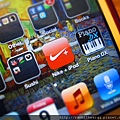
Once you link to the sensor, the app will show on the desktop automatically.
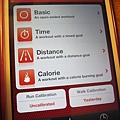
 ha.....really slow!!!
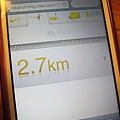 step by step~~haste makes waste!!!
It's kind of trouble that you have to bring these two gadgets
everytime you go to gym....Lazy!!!!
I also got an armband, but amnot used to wearing that while running.
I just put ipod on the treadmill = = armband..........no need!!
And one more thing is that the armband is too large!!!!!!! ><
What is essential is invisible to the eye.
<<The Little Prince>>
Anapp I really like is "每日壁紙雜誌"!! A Lot of wallpaper updated daily!!
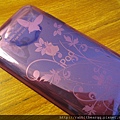
I like purple!! 
Work~~work~~I workout!!!!
Keep holding on!!!  Full of energy~
But still be careful that do not workout so hard.....my knee needs rests...
 【2007 - NCTU】 (3)